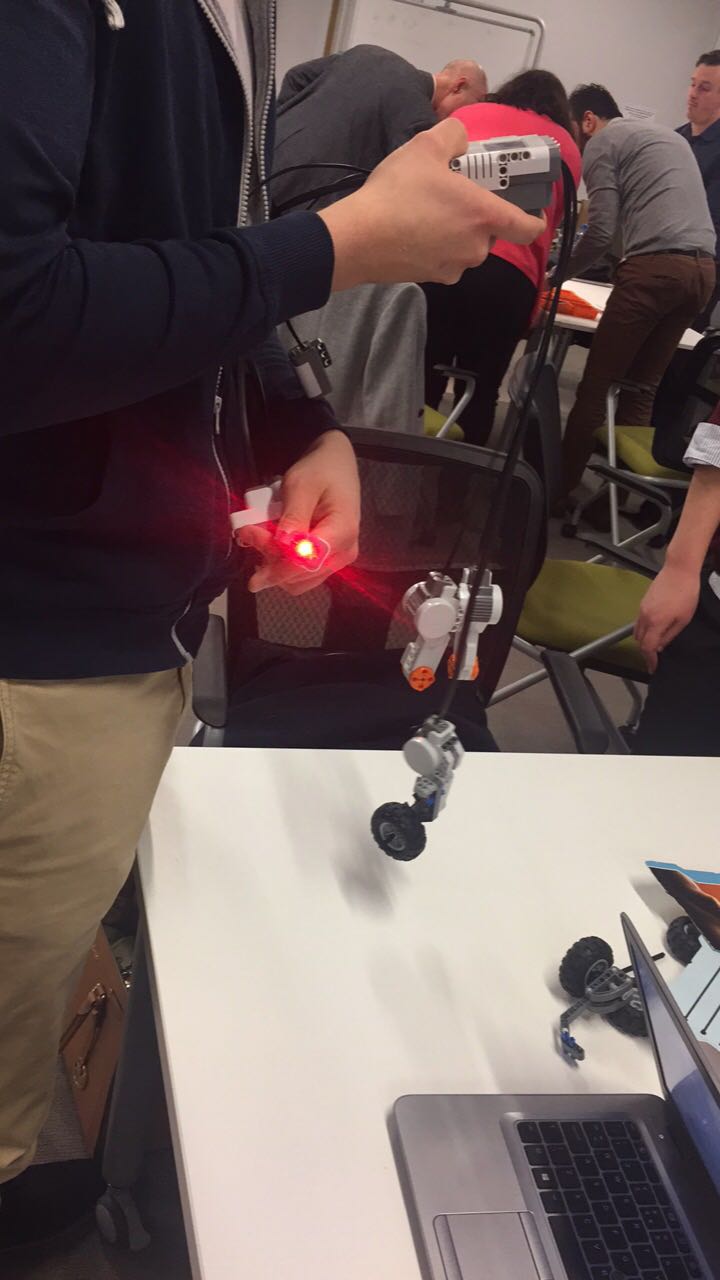
Designing a Robot

In week 9, we worked in small groups to create a robot using an instruction manual and upon creating our robot, we were tasked with creating a "run" function so that our robot could drive around and "guard a base." (for the purpose of the class, the base was a large white box)

This exercise was great fun, but at times stressful as we were required to create our robot within a short time constraint.

To create our robot within the allotted time, my group divided the tasks amongst us. One individual called out the required materials needed and where they were to be placed, one found the necessary materials and two individuals put the robot together.

As requested by our lecturer, we switched roles frequently so that each member got experience working on each of the tasks required.

Dividing the roles out amongst ourselves enabled us to create our robot more quickly than if we had completed each of the tasks together as a group.


Comments

Popular posts from this blog

My Research Essay

Usability, requirements analysis and feasibility study, to update the UCD student portal, Blackboard, through the integration of a digital collaboration tool. Complete Research Paper Scully, Nicole and McEntee, Mary-Elizabeth UCD School of Business, Ireland, Nicole.scully@ucdconnect.ie and mary.mcentee@ucdconnect.ie Abstract The purpose of this paper is to analyse the current student portal utilised in University College Dublin and to assess how this digital product can be updated to benefit its user base. To conduct our analysis of a suitable update to the portal, we conducted both primary and secondary research. Our primary research took the form of a questionnaire, interviews and observation research. The secondary research conducted for the purpose of this paper included analysing a case study and a literature review. Our research led us to conclude that embedding a collaboration tool into the current product would make it a more user friendly and engagin...

Exercise: Prototyping and Creating Mock-Ups

We were tasked with designing a test-free search page mock-up for individuals who were unable to read. We were first required to create a paper prototype and then use an online tool, Balsamiq. I found the exercise very interesting as it forced me to refine all my ideas into one, single representation. It also involved selecting the most important requirements as we were under a time constraint. I found the paper prototype process slightly easier a using Balsamic introduced constraints, in that I had to create my design choosing from the icons within the Balsamiq tool as opposed to creating my own. I found this exercise very useful and I will aim to introduce quick prototyping in my future roles when applicable.

Week 2 Design thinking - Build the right thing

This week focused around building the thing right as opposed to building the right thing. Great design has always been concerned with the whole experience of interaction. One of the most interesting topics emerging from the class was prompted by a quote from Alan Cooper. It prompted discussion around what do you get when you cross a computer with a camera? A phone? A plane? With a car? A ship? You get a bigger computer.   The products we use on a daily basis are becoming ever more like software. Allen stressed that we need to develop an annoyance and radar for bad design and an appreciation for superior design. He showed us a variety of good and bad design examples and showed examples of how users will highlight the problems in your products or else they will leave marks e.g. a sign telling the user how to interact correctly with a product / service During the lecture, we also watched a video "Inside IDEO" which followed the IDEO design team revolutionizing the ...